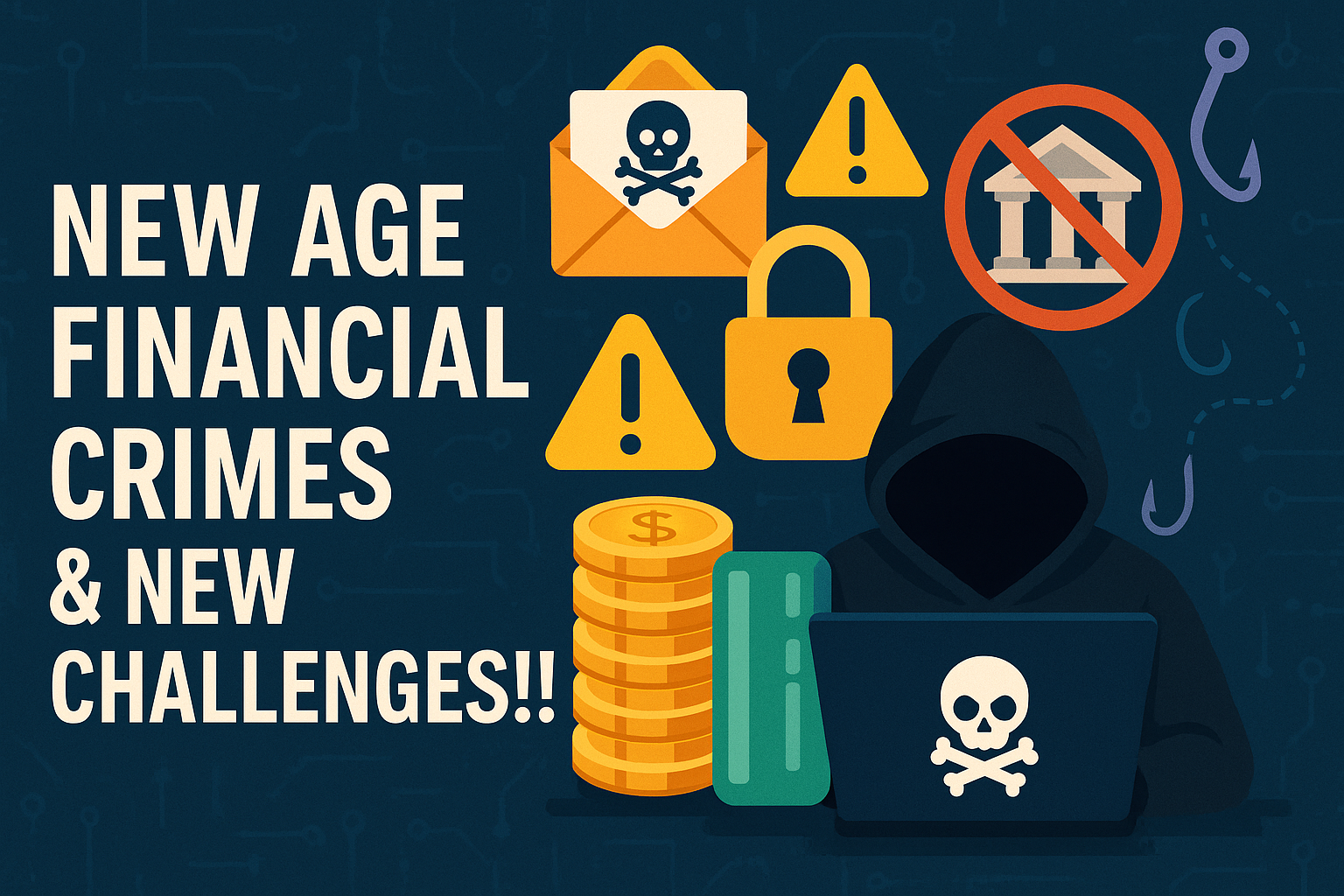
Imagine, you wake up one morning to discover that your bank account has been drained, your personal photos are being held for ransom, and your identity has been stolen. Unfortunately, this nightmare scenario becomes reality for millions of people every year. In today’s hyperconnected world, cybersecurity isn’t just a luxury—it’s an absolute necessity.
The digital landscape has never been more dangerous. The global average cost of a data breach in 2024 is $4.88 million, a 10 percent increase over last year, and over 75% of targeted cyberattacks start with an email phishing attacks remains the top vector for cybercriminals in 2024. These aren’t just statistics—they represent real people whose lives have been turned upside down by cybercriminals.
But here’s the empowering truth: most cyberattacks can be prevented with basic security knowledge and good digital hygiene. Building a solid cybersecurity foundation doesn’t require a computer science degree or expensive software. It simply requires understanding the fundamentals and implementing smart practices consistently.
In this comprehensive guide, we’ll walk through everything you need to know to protect yourself, your family, and your business from cyber threats. Whether you’re a complete beginner or looking to strengthen your existing security posture, this foundation will serve you well in our increasingly digital world.
Understanding the Current Cybersecurity Landscape
The Reality of Modern Cyber Threats
The cybers crime landscape has evolved dramatically over the past few years. Gone are the days when viruses were primarily pranks created by bored teenagers. Today’s cybercriminals are sophisticated, well-funded, and relentlessly focused on profit. In 2024, healthcare and telecommunications stood out as prime targets for cyber threats, with financial services, healthcare, and professional services recording the most data breaches.
What makes this particularly concerning is the increasing frequency and severity of attacks. Large-scale, well-publicized breaches are on the rise, suggesting that not only are the number of security breaches going up — they’re increasing in severity, as well. This trend shows no signs of slowing down as our reliance on digital systems continues to grow.
The Human Factor in Cybersecurity
Perhaps the most important thing to understand about cybersecurity is that technology alone cannot protect you. 91% of cybersecurity professionals reported an increase in cyber attacks due to remote working, highlighting how human behavior and work patterns directly impact security.
The reality is that most successful cyberattacks exploit human psychology rather than sophisticated technical vulnerabilities. Cybercriminals have become masters of social engineering, manipulating people into making security mistakes through fear, urgency, curiosity, or trust. This is why building your cybersecurity foundation must start with understanding how these attacks work and developing the right mindset to recognize and resist them.
Essential Cybersecurity Fundamentals
Password Security: Your First Line of Defense
Your passwords are the keys to your digital kingdom, yet most people treat them casually. Weak passwords remain one of the most significant security vulnerabilities, and about 88% of breaches reported within this attack pattern involved the use of stolen credentials.
What Makes a Strong Password: The latest guidance from cybersecurity experts has evolved significantly. Strong passwords are: Long—at least 16 characters long (even longer is better). Random—like a string of mixed-case letters, numbers and symbols. However, the 2025 NIST guidelines focus on password length (12-16 characters) over complexity, making passwords harder to crack and easier to remember.
The Password Manager Revolution: Here’s where many people stumble: creating and remembering dozens of unique, complex passwords. The solution is elegantly simple—use a password manager. Create long, random, unique passwords with a password manager for safer accounts. A good password manager generates, stores, and automatically fills complex passwords for all your accounts.
Moving Beyond Passwords: The first thing you should do is add multifactor authentication. If the app or website you’re using requires a password to log in, you should check if it gives you the option to turn on something known as multifactor authentication, or MFA. This additional security layer makes it exponentially more difficult for attackers to access your accounts, even if they obtain your password.
Email Security and Phishing Awareness
Email remains the primary attack vector for cybercriminals, and for good reason—it’s personal, trusted, and reaches directly into our daily lives. Understanding email security isn’t just about recognizing obvious scams; it’s about developing a security-first mindset when interacting with any digital communication.
Recognizing Sophisticated Phishing Attempts: Modern phishing attacks have become incredibly sophisticated. Gone are the days of obvious spelling mistakes and crude graphics. Today’s phishing emails often perfectly mimic legitimate communications from trusted organizations, complete with accurate logos, professional language, and convincing details.
The key to protection lies not in trying to spot every fake email, but in changing how you interact with email altogether. Never click links or download attachments from unexpected emails, even if they appear to come from known contacts. Instead, navigate directly to the organization’s official website or contact them through verified channels to confirm any requests.
Business Email Compromise (BEC) Attacks: One particularly dangerous trend is the rise of BEC attacks, where criminals compromise legitimate business email accounts to conduct fraud. These attacks are especially dangerous because they come from trusted sources and often involve carefully researched requests that seem completely legitimate.
Software Updates and Patch Management
One of the simplest yet most effective cybersecurity practices is keeping your software updated. 17% of cyber attacks target vulnerabilities in web applications, many of which could be prevented through proper patch management.
Why Updates Matter: Every piece of software contains vulnerabilities—flaws that could potentially be exploited by attackers. Software developers continuously discover and fix these vulnerabilities, releasing updates that close security holes. When you delay or skip updates, you’re leaving known security gaps open for attackers to exploit.
Implementing Automatic Updates: The best approach is to enable automatic updates whenever possible for your operating system, browsers, and critical applications. For business environments, establish a testing and deployment schedule that balances security needs with operational stability.
Network Security Basics
Your network connection is the highway that data travels between your devices and the internet. Securing this pathway is crucial for protecting your digital communications and preventing unauthorized access to your devices.
Wi-Fi Security Essentials: Start with your home network by ensuring your Wi-Fi router uses WPA3 encryption (or WPA2 at minimum) and has a strong, unique password. Change default router passwords immediately—they’re well-known to attackers. Regularly update your router’s firmware and consider setting up a guest network for visitors to keep your main network more secure.
Public Wi-Fi Precautions: Public Wi-Fi networks are inherently risky because they’re shared and often unsecured. Avoid accessing sensitive information like banking or work accounts while connected to public networks. If you must use public Wi-Fi for sensitive activities, use a reputable VPN service to encrypt your connection.
Building a Security-First Mindset
The Psychology of Cybersecurity
Effective cybersecurity isn’t just about tools and techniques—it’s about developing the right mental approach to digital interactions. Cybercriminals succeed primarily by exploiting predictable human behaviors and psychological triggers.
Healthy Digital Skepticism: Cultivate a habit of questioning digital communications, especially those that create urgency or pressure you to act quickly. Legitimate organizations rarely require immediate action on sensitive matters via email or text message. When in doubt, verify through independent channels.
The Principle of Least Privilege: Apply this security principle to your digital life by only providing the minimum information necessary for any service or application. Question why apps need certain permissions and whether the convenience they offer is worth the potential privacy trade-offs.
Creating Security Habits
Daily Security Practices: Integrate security into your daily routine. Before clicking any link, pause and consider whether it’s expected and legitimate. Before downloading any file, verify its source and necessity. Before sharing personal information online, consider whether it’s truly required and how it might be used.
Regular Security Maintenance: Schedule monthly security check-ups where you review your accounts, update passwords for critical services, check privacy settings on social media platforms, and verify that your security software is functioning properly. This proactive approach prevents small issues from becoming major problems.
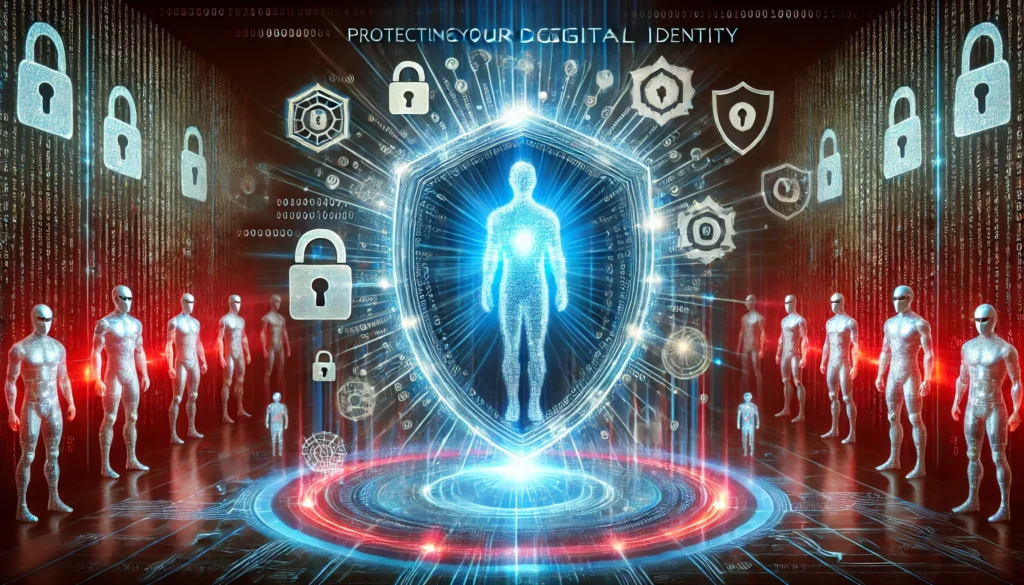
Protecting Your Digital Identity
Personal Information Management
Your personal information is currency in the digital world, and protecting it requires strategic thinking about what you share, where you share it, and with whom.
Social Media Security: Review and tighten privacy settings on all social media platforms regularly. Be mindful of the personal details you share publicly—information like your full birth date, location patterns, and relationship details can be used for identity theft or social engineering attacks.
Data Minimization: Practice data minimization by only providing necessary information when creating accounts or making purchases. Use alternative contact methods when possible, and consider whether you truly need to create an account or can make a one-time purchase instead.
Identity Monitoring
Credit Monitoring: Regularly check your credit reports from all three major bureaus and consider using a credit monitoring service that alerts you to new accounts or significant changes. Identity theft often begins with unauthorized credit applications.
Account Monitoring: Review bank and credit card statements carefully each month, and enable account alerts for transactions above certain thresholds. Many financial institutions offer real-time notifications that can help you identify fraudulent activity quickly.
Securing Your Devices
Mobile Device Security
Mobile devices present unique security challenges because they’re always connected, frequently used in public spaces, and contain vast amounts of personal information.
Essential Mobile Security Settings: Enable automatic device locking with a strong PIN, password, or biometric authentication. Set up remote wipe capabilities so you can erase your device if it’s lost or stolen. Keep your mobile operating system and apps updated, and only download apps from official app stores.
Location Privacy: Review location sharing settings for all apps and disable location tracking for any apps that don’t truly need it for functionality. Consider the privacy implications of location-based features and services.
Computer and Home Network Security
Endpoint Protection: Install reputable antivirus software and ensure it’s configured to perform regular scans and real-time protection. Enable built-in firewalls on your devices and network equipment.
Backup Strategies: Implement the 3-2-1 backup rule: keep three copies of important data, store them on two different types of media, and keep one copy offsite (or in the cloud). Regular backups are your best defense against ransomware and hardware failures.
Advanced Security Considerations
Emerging Threats and Technologies
According to Gartner, Generative AI (GenAI), unsecured employee behavior, third-party risks, continuous threat exposure, and identity-first approaches to security are the top trends shaping the cybersecurity landscape in 2024. Understanding these emerging trends helps you prepare for future threats.
Artificial Intelligence in Cybersecurity: AI is being used both to enhance security defenses and to create more sophisticated attacks. Deepfake technology, AI-generated phishing content, and automated attack tools are becoming more prevalent. Staying informed about these developments helps you recognize and respond to new types of threats.
Internet of Things (IoT) Security: As smart home devices become more common, they create new attack surfaces in our homes and workplaces. Each connected device is a potential entry point for attackers, making it crucial to change default passwords, keep firmware updated, and consider whether the convenience of each smart device is worth the security risk.
Business Considerations
Small Business Considerations
Small businesses face unique cybersecurity challenges—they’re attractive targets because they often have valuable data but limited security resources. Building a cybersecurity foundation for a small business requires balancing protection with practical constraints.
Employee Education: Your employees are both your greatest vulnerability and your strongest defense. Regular cybersecurity training should cover recognizing phishing attempts, proper password practices, safe browsing habits, and incident reporting procedures.
Essential Business Security Tools: Invest in business-grade endpoint protection, implement email security solutions, establish secure backup procedures, and consider cyber insurance as part of your risk management strategy.
Remote Work Security
The shift to remote work has expanded the attack surface for many organizations. 91% of cybersecurity professionals reported an increase in cyber attacks due to remote working, highlighting the importance of securing distributed work environments.
Secure Remote Access: Implement VPN solutions for secure access to company resources, establish clear policies for personal device usage, and ensure remote workers understand their cybersecurity responsibilities.
Incident Response and Recovery
When Things Go Wrong
Despite best efforts, security incidents can still occur. Having a plan for responding to and recovering from security incidents minimizes damage and gets you back to normal operations as quickly as possible.
Immediate Response Steps: If you suspect a security incident, immediately disconnect affected devices from the network, change passwords for potentially compromised accounts, document what happened, and contact relevant authorities or security professionals as appropriate.
Recovery Planning: Develop and test recovery procedures before you need them. This includes data restoration from backups, account recovery processes, and communication plans for notifying affected parties.
Staying Current with Cybersecurity
Continuous Learning: Cybersecurity is an ever-evolving field, and staying protected requires ongoing education and adaptation. Make learning about new threats and protection methods a regular part of your digital life.
Reliable Information Sources: Follow reputable cybersecurity organizations like CISA, NIST, and established security vendors for updates on new threats and best practices. Be wary of security advice from unreliable sources, and always verify important information through multiple channels.
Community and Professional Development: Consider joining cybersecurity communities, attending webinars, or pursuing professional certifications if cybersecurity is relevant to your work. The cybersecurity community is generally welcoming and eager to help people improve their security posture.
Final Thoughts..
Your Cybersecurity Journey Starts Now
Building a strong cybersecurity foundation isn’t a destination—it’s an ongoing journey that evolves with the digital landscape. The fundamentals we’ve covered in this guide provide the essential building blocks for protecting yourself, your family, and your business from cyber threats.
Remember that cybersecurity doesn’t require perfection; it requires consistency. Start with the basics: strong, unique passwords with a password manager, multi-factor authentication on critical accounts, regular software updates, and a healthy skepticism toward unsolicited digital communications. These fundamental practices will protect you from the vast majority of cyber threats.
As you implement these security measures, you’ll develop better instincts for recognizing potential threats and responding appropriately. Cybersecurity becomes less overwhelming when you break it down into manageable, actionable steps and build security-conscious habits into your daily routine.
The digital world will continue to evolve, bringing new opportunities and new risks. By building a solid cybersecurity foundation today, you’re preparing yourself to adapt and thrive in whatever digital future awaits. Your future self will thank you for taking these proactive steps to protect your digital life.
Take Action Today
Don’t let this information sit unused. Start implementing these cybersecurity fundamentals immediately. Begin with the most critical steps: set up a password manager, enable two-factor authentication on your most important accounts, and update your software. Each action you take makes you significantly safer in the digital world.
Frequently Asked Questions (FAQ)
- What is the most important cybersecurity practice for beginners?
- A: The most crucial practice is using unique, strong passwords with a password manager and enabling multi-factor authentication on all important accounts. These two steps alone prevent the majority of account compromises.
- How often should I update my passwords?
- A: According to current NIST guidelines, you don’t need to change passwords regularly unless there’s evidence of compromise. Focus on creating strong, unique passwords initially and changing them only when necessary.
- Is free antivirus software sufficient for protection?
- A: Free antivirus provides basic protection and is better than nothing, but paid solutions typically offer more comprehensive protection, including advanced threat detection, web protection, and customer support.
- What should I do if I think my email has been hacked?
- A: Immediately change your email password, enable two-factor authentication, check for forwarding rules or filters that might be redirecting emails, review recent sent items for unauthorized messages, and notify your contacts about the potential compromise.
- How can I tell if an email is a phishing attempt?
- A: Look for urgent language, requests for sensitive information, unexpected attachments or links, sender addresses that don’t match the claimed organization, and generic greetings. When in doubt, verify through independent channels.
- Should I use public Wi-Fi for banking or shopping?
- A: Avoid accessing sensitive accounts on public Wi-Fi. If necessary, use a reputable VPN service to encrypt your connection, or use your mobile phone’s data connection instead.
- What is two-factor authentication and why is it important?
- A: Two-factor authentication (2FA) requires two different types of verification to access an account—typically something you know (password) and something you have (phone or hardware token). It dramatically reduces the risk of unauthorized access.
- How do I know if my personal information has been compromised in a data breach?
- A: Use services like Have I Been Pwned to check if your email addresses appear in known data breaches. Also monitor your credit reports and financial statements for unusual activity.
- What should I do if I accidentally clicked on a malicious link?
- A: Don’t panic. Immediately close the browser tab, run a full antivirus scan, change passwords for sensitive accounts, monitor your accounts for unusual activity, and consider temporarily freezing your credit if personal information was entered.
- How important are software updates for security?
- A: Software updates are critical because they often contain security patches for known vulnerabilities. Enable automatic updates when possible, and prioritize updates for operating systems, browsers, and security software.
- What backup strategy should I use to protect against ransomware?
- A: Follow the 3-2-1 rule: three copies of important data, stored on two different types of media, with one copy stored offsite. Ensure at least one backup is disconnected from your network to prevent ransomware encryption.
- How can small businesses protect themselves from cyber threats?
- A: Start with employee education, implement strong password policies, use business-grade security software, maintain regular backups, keep software updated, and consider cyber insurance as part of risk management.
Ready to stay ahead of cybersecurity trends and protect your digital future? Subscribe to our newsletter for weekly cybersecurity tips, emerging threat alerts, and actionable security advice delivered directly to your inbox. Join thousands of security-conscious readers who trust us to keep them informed about the latest developments in digital protection. Subscribe Now and take the next step in your cybersecurity journey.