Imagine, You’re working on an important presentation, and suddenly your laptop crashes. In the old days, you’d panic about losing your work. But if you’ve been using Google Docs or Microsoft 365, you simply grab another device, log in, and continue where you left off. That’s cloud computing in action – and it’s revolutionizing how we work, store data, and access technology.
In today’s fast-paced digital world, being competitive is the need of the hour. Simply building a visually appealing or technically sound website is no longer enough to ensure long-term success. Businesses must think beyond static infrastructure and embrace solutions that offer scalability, flexibility, and cost efficiency. This is where cloud computing becomes essential. By leveraging the cloud, organizations can access computing resources on demand, adapt quickly to market changes, improve collaboration, and deliver seamless digital experiences to their customers—without the heavy investment in traditional hardware or maintenance. In short, cloud computing is not just a technology trend, but a strategic necessity for staying ahead in the modern digital economy.
What is Cloud Computing? A simple explanation..
Cloud computing simply means delivering IT services—such as servers, storage, databases, networking, software, analytics, and AI—over the internet (“the cloud”) to provide faster innovation and flexible, scalable resources.and economies of scale. Instead of owning and maintaining physical data centers and servers, you can access technology services on an as-needed basis from a cloud provider.
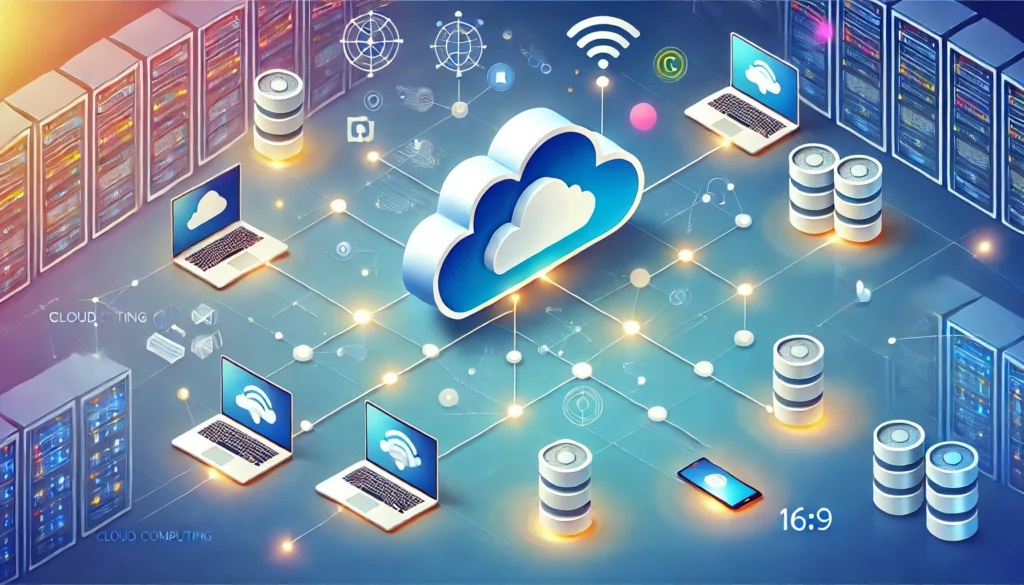
Think of it like electricity. You don’t generate your own power – you simply plug into the electrical grid and pay for what you use. Cloud computing works similarly: you tap into vast networks of remote servers and computing power, paying only for the resources you consume.
The cloud computing market size was valued at USD 1,125.9 billion in 2024 and is projected to grow to USD 2,281.1 billion by 2030, demonstrating the massive adoption and trust businesses place in cloud technology.
How Does Cloud Computing Work?
At its core, cloud computing operates through a network of remote servers hosted on the internet. These servers store, manage, and process data rather than using a local server or personal computer. Here’s how the magic happens:
The Infrastructure Behind the Cloud
Cloud providers maintain massive data centers filled with thousands of servers, storage systems, and networking equipment. These facilities are strategically located worldwide to ensure fast access and redundancy. When you save a file to Dropbox or stream a movie on Netflix, you’re actually accessing data stored on these remote servers.
Virtualization Technology
Cloud computing relies heavily on virtualization, which allows multiple virtual machines to run on a single physical server. This technology maximizes resource utilization and enables the scalability that makes cloud computing so powerful.
Types of Cloud Computing: Understanding Your Options
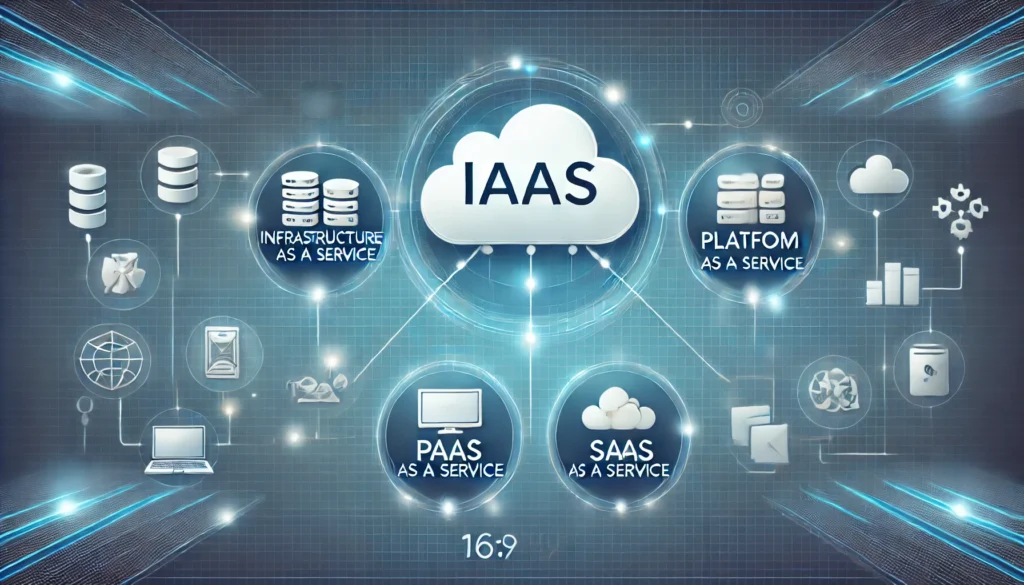
Infrastructure as a Service (IaaS)
IaaS provides virtualized computing resources over the internet. It’s like renting the fundamental building blocks of IT infrastructure – servers, storage, and networking – without the physical hardware.
Real-world example: Amazon Web Services (AWS) EC2 instances allow businesses to rent virtual servers by the hour, scaling up during busy periods and scaling down when demand decreases.
Platform as a Service (PaaS)
Platform as a Service (PaaS) provides a full cloud-based environment for building, testing, and deploying applications. Developers can build, test, and deploy applications without worrying about managing the underlying infrastructure.
Real-world example: Google App Engine lets developers focus on writing code while Google handles server management, scaling, and maintenance automatically.
Software as a Service (SaaS)
SaaS delivers fully functional applications over the internet. Users access these applications through web browsers, eliminating the need for installation and maintenance.
Real-world examples:
- Salesforce for customer relationship management
- Microsoft 365 for productivity applications
- Zoom for video conferencing
Cloud Deployment Models: Public, Private, and Hybrid
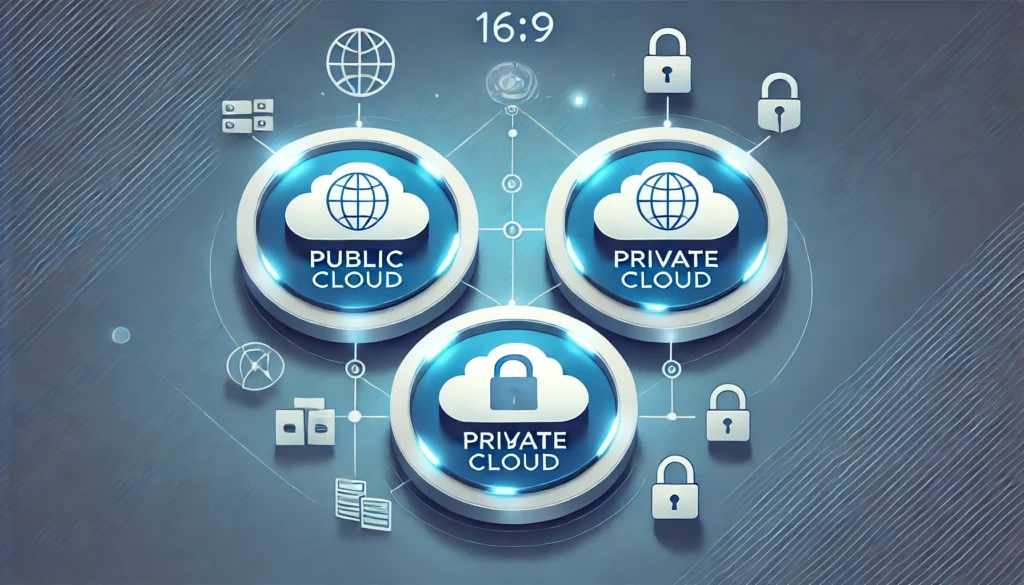
Public Cloud
Public clouds are owned and operated by third-party cloud service providers who deliver computing resources over the internet. Multiple organizations share the same infrastructure, making it cost-effective and scalable.
Benefits:
- Lower costs
- No maintenance required
- Near-unlimited scalability
- High reliability
Private Cloud
Private clouds serve a single organization, with hosting managed internally or through an external provider.. They offer greater control and security but require more management and higher costs.
When to choose private cloud:
- Strict regulatory compliance requirements
- Sensitive data handling
- Need for complete control over infrastructure
Hybrid Cloud
A hybrid cloud integrates both public and private clouds, allowing organizations to share and shift data or apps across environments. This approach provides greater flexibility and more deployment options.
Common hybrid scenarios:
- Keeping sensitive data in private cloud while using public cloud for less critical workloads
- Using public cloud for backup and disaster recovery
- Scaling workloads to public cloud during peak demand
Major Cloud Computing Providers: The Big Three
Amazon Web Services (AWS)
AWS leads the cloud market with the most comprehensive service offerings. Launched in 2006, AWS pioneered many cloud computing concepts and remains the market leader.
Key services:
- EC2 (Elastic Compute Cloud) for virtual servers
- S3 (Simple Storage Service) for object storage
- RDS (Relational Database Service) for managed databases
Microsoft Azure
Azure integrates seamlessly with Microsoft’s existing software ecosystem, making it attractive for organizations already using Microsoft products.
Standout features:
- Excellent integration with Windows Server and SQL Server
- Strong hybrid cloud capabilities
- Comprehensive AI and machine learning tools
Google Cloud Platform (GCP)
Google Cloud Platform (GCP) is the fastest-growing cloud provider with a 54% market share growth rate, particularly strong in data analytics and machine learning.
Competitive advantages:
- Superior data analytics and AI capabilities
- Global fiber network infrastructure
- Competitive pricing models
Real-World Cloud Computing Examples
Netflix: Streaming Entertainment
Netflix migrated from physical data centers to AWS, enabling them to scale globally and handle millions of simultaneous video streams. Their cloud infrastructure automatically adjusts to demand, ensuring smooth streaming during peak hours.
Airbnb: Marketplace Platform
Airbnb uses AWS to power their global marketplace, handling millions of property listings and bookings. The cloud infrastructure allows them to scale quickly in new markets without building physical data centers.
Spotify: Music Streaming
Spotify leverages Google Cloud to process massive amounts of data, powering their recommendation algorithms and delivering personalized playlists to over 400 million users worldwide.
Small Business Success: Local Restaurant Chain
A regional restaurant chain uses cloud-based point-of-sale systems, inventory management, and customer relationship management tools. This allows them to:
- Access real-time sales data from any location
- Automatically reorder inventory when stock is low
- Send targeted marketing campaigns to customers
- Reduce IT costs by 60% compared to traditional systems
Benefits of Cloud Computing
Cost Efficiency
Instead of buying expensive IT infrastructure, cloud computing lets you pay only for what you use.. You pay only for what you use, converting fixed IT costs into variable costs that scale with your business.
Scalability and Flexibility
Need more computing power for a big project? Scale up instantly. Finished with the project? Scale back down. This elasticity is impossible with traditional IT infrastructure.
Accessibility and Mobility
Access your applications and data from anywhere with an internet connection. This has become especially valuable as remote work has become commonplace.
Automatic Updates and Maintenance
With cloud computing, updates, patches, and system maintenance are managed by the provider in general. Your IT team can focus on strategic initiatives rather than routine maintenance tasks.
Enhanced Security
The growing focus on cybersecurity is prompting organizations to adopt cloud-based security solutions that offer advanced threat detection. Major cloud providers invest billions in security infrastructure, often providing better security than most organizations could achieve on their own.
Disaster Recovery and Business Continuity
Cloud-based backup and recovery solutions are faster, more reliable, and less expensive than traditional disaster recovery methods. Your data is replicated across multiple geographic locations automatically.
Common Cloud Computing Challenges and Solutions
Security Concerns
While cloud providers offer robust security, organizations must still implement proper access controls, data encryption, and compliance measures.
Solution: Adopt a shared responsibility model, where the cloud provider secures the infrastructure while you secure your applications and data.
Data Privacy and Compliance
Different industries have varying regulatory requirements for data handling and storage.
Solution: Choose cloud providers that offer compliance certifications relevant to your industry (HIPAA, SOC 2, GDPR compliance).
Cost Management
Only 30% of surveyed organizations knew where their cloud budget was going exactly, highlighting the importance of cost monitoring.
Solution: Implement cloud cost management tools and establish governance policies for resource provisioning.
Vendor Lock-in
Becoming too dependent on a single cloud provider can limit flexibility and negotiating power.
Solution: Design applications with portability in mind and consider multi-cloud strategies for critical workloads.
Getting Started with Cloud Computing
Step 1: Assess Your Current IT Environment
Evaluate your existing applications, infrastructure, and business requirements. Identify which workloads are best suited for cloud migration.
Step 2: Start Small
Begin with non-critical applications or development environments. This allows your team to gain experience without risking business-critical operations.
Step 3: Choose the Right Provider
Consider factors like:
- Service offerings that match your needs
- Geographic presence
- Pricing models
- Support quality
- Compliance certifications
Step 4: Develop a Migration Strategy
Plan your migration carefully, considering:
- Which applications to move first
- Data transfer requirements
- Integration needs
- Training requirements for your team
Cloud Computing Trends Shaping the Future

Edge Computing Integration
Edge computing is becoming more popular, with 41% of organizations adopting it, bringing computation closer to data sources for reduced latency.
Multi-Cloud Strategies
Organizations are avoiding vendor lock-in by using multiple cloud providers for different workloads, optimizing for cost, performance, and features.
Serverless Computing
Serverless architectures eliminate server management, allowing developers to focus purely on code while the cloud provider handles all infrastructure concerns automatically.
AI and Machine Learning Integration
Cloud providers are making artificial intelligence and machine learning capabilities more accessible through pre-built services and APIs.
Industry-Specific Cloud Applications
Healthcare
- Electronic health records (EHR) systems
- Telemedicine platforms
- Medical imaging storage and analysis
- Clinical trial data management
Education
- Learning management systems (LMS)
- Virtual classroom platforms
- Student information systems
- Research data storage and collaboration
Financial Services
- Core banking systems
- Trading platforms
- Risk management applications
- Compliance and reporting tools
Retail and E-commerce
- Online storefronts
- Inventory management systems
- Customer analytics platforms
- Payment processing solutions
Final Thoughts
Cloud computing has transformed from a technological novelty into a business necessity. Whether you’re a startup looking to minimize infrastructure costs or an enterprise seeking greater agility, the cloud offers compelling advantages that traditional IT simply cannot match.
The key to successful cloud adoption lies in understanding your specific needs, starting with manageable projects, and gradually building expertise. With the cloud computing market projected to grow from $676.29 billion in 2024 to $2,291.59 billion, organizations that embrace cloud technology today position themselves for future success.
Remember, cloud computing isn’t just about technology – it’s about transforming how your business operates, innovates, and serves customers. The question isn’t whether to adopt cloud computing, but how quickly you can begin your journey to realize its benefits.
Frequently Asked Questions (FAQ)
- What is the difference between cloud computing and traditional computing?
- A: Traditional computing requires you to own and maintain physical servers and software on-premises. Cloud computing delivers these services over the internet, eliminating the need for physical infrastructure and reducing maintenance responsibilities.
- Is cloud computing secure?
- A: Yes, when properly implemented. Major cloud providers invest heavily in security infrastructure, often providing better security than most organizations can achieve independently. However, security is a shared responsibility between the provider and the customer.
- How much does cloud computing cost?
- A: Cloud computing costs vary based on usage, services, and providers. The pay-as-you-go model means you only pay for resources you actually use, often resulting in significant cost savings compared to traditional IT infrastructure.
- What happens if the internet goes down?
- A: Without internet connectivity, you cannot access cloud-based applications and data. However, many cloud applications offer offline capabilities that sync when connectivity is restored. Organizations can also implement backup internet connections for critical operations.
- Can small businesses benefit from cloud computing?
- A: Absolutely. Cloud computing levels the playing field, giving small businesses access to enterprise-grade technology without large upfront investments. It enables them to scale quickly and compete more effectively with larger organizations.
- What is the difference between public and private cloud?
- A: Public clouds are shared infrastructures operated by third-party providers like AWS or Azure. Private clouds are dedicated to a single organization, offering greater control but typically at higher costs.
- How long does it take to migrate to the cloud?
- A: Migration timelines vary greatly depending on the complexity of your environment. Simple applications might migrate in weeks, while complex enterprise systems could take months or years. Starting with a pilot project helps establish realistic timelines.
- What is hybrid cloud and when should I use it?
- A: Hybrid cloud combines public and private cloud environments, allowing workloads to move between them as needed. It’s ideal when you need to keep sensitive data on-premises while leveraging public cloud benefits for other applications.
- Do I need technical expertise to use cloud computing?
- Basic cloud services like file storage and email don’t require technical expertise. However, implementing complex cloud architectures typically requires specialized knowledge. Many organizations start with simple services and gradually build expertise.
- What is multi-cloud and why would I use it?
- A: Multi-cloud involves using services from multiple cloud providers to avoid vendor lock-in, optimize costs, or access best-of-breed services. It provides flexibility but adds complexity to management and operations.
Ready to stay ahead of the cloud revolution? Subscribe to our newsletter for the latest cloud computing insights, migration strategies, and industry trends delivered directly to your inbox. Join thousands of IT professionals who trust us to keep them informed about the rapidly evolving world of cloud technology.